 Pro Features
When composing an email in Mailspring, check these icons in the composer to enable read receipts and link tracking. That’s all you need to do!

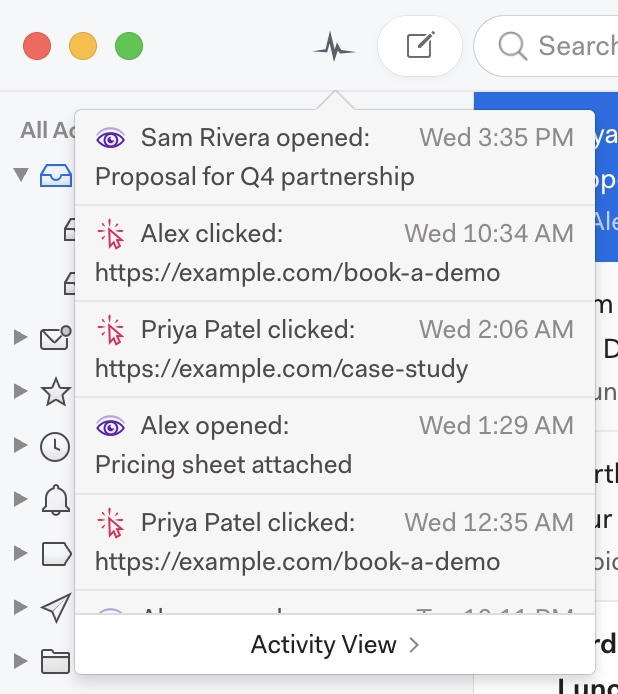
When your emails are read or links are clicked, notifications will appear in a feed above your list of accounts, in the top left of the main window. Click the Activity icon to review your notifications.
You’ll also see icons and tags in your Sent folder, so you can get more information at a glance. The open status will also appear next to the message in your inbox. If a message hasn’t been opened, the purple eye icon will be transparent. When it has been read, the eye icon will appear at full saturation.
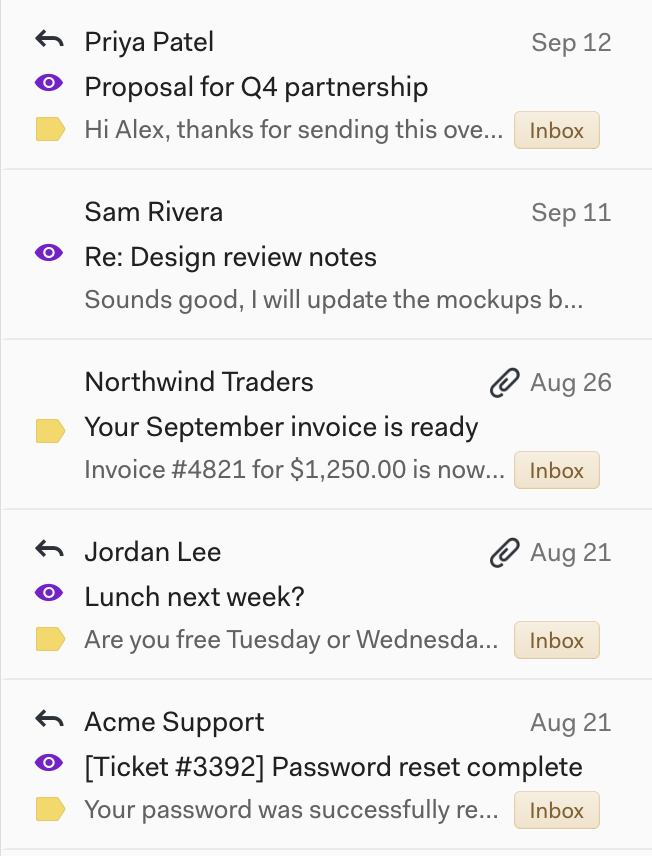
You can also see whether a message has been opened by looking at your sent mail. The open status will appear at the top of the message. You can click the icon in the thread list or at the top of the message to view the activity for that message. You can see a list of everyone who opened the email, and clicking tracked links allows you to see who clicked them:
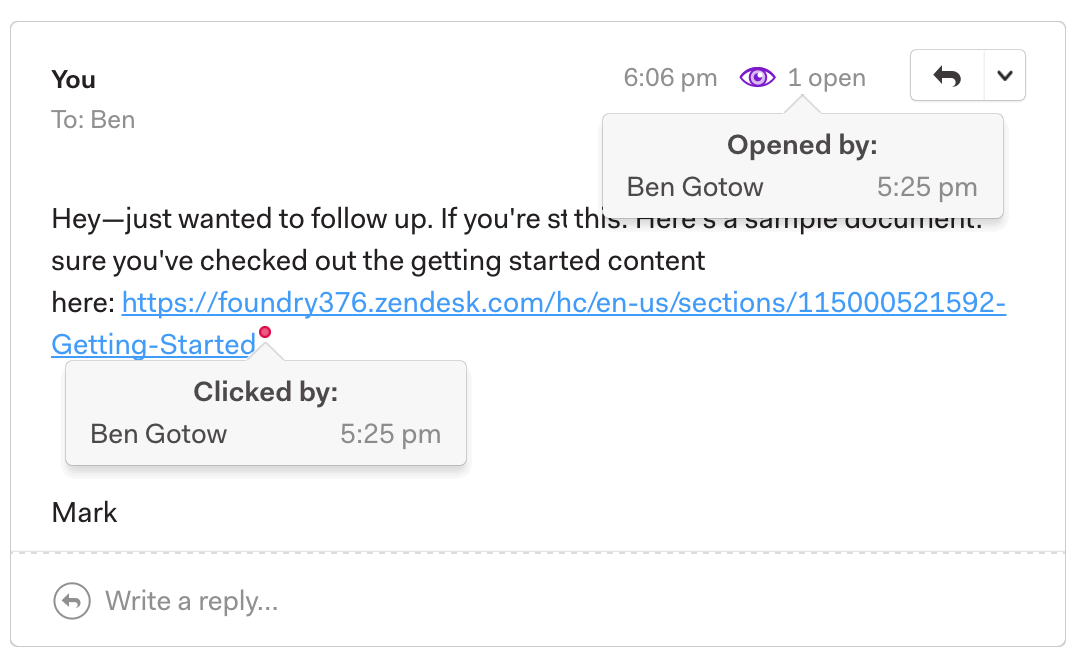
By default, Mailspring will notify you each time one of your tracked emails is viewed or a link is clicked. If you’d rather only receive a notification the first time an email is viewed, check out the options in Preferences > General. See I'm receiving repeated / duplicate open and link tracking events - why?
Reviewing your activity
Click Activity in the left sidebar to review everything your tracked messages have generated. The Activity view has three tabs:
- Feed — every open and click, searchable and exportable.
- Engagement — one card per recipient, sorted by how engaged they are.
- Reports — charts of your mail volume, response times, and open, click, and reply rates.
Curious about how this works under the hood, or concerned about privacy? See Privacy and read receipts / link tracking.