Pro Features
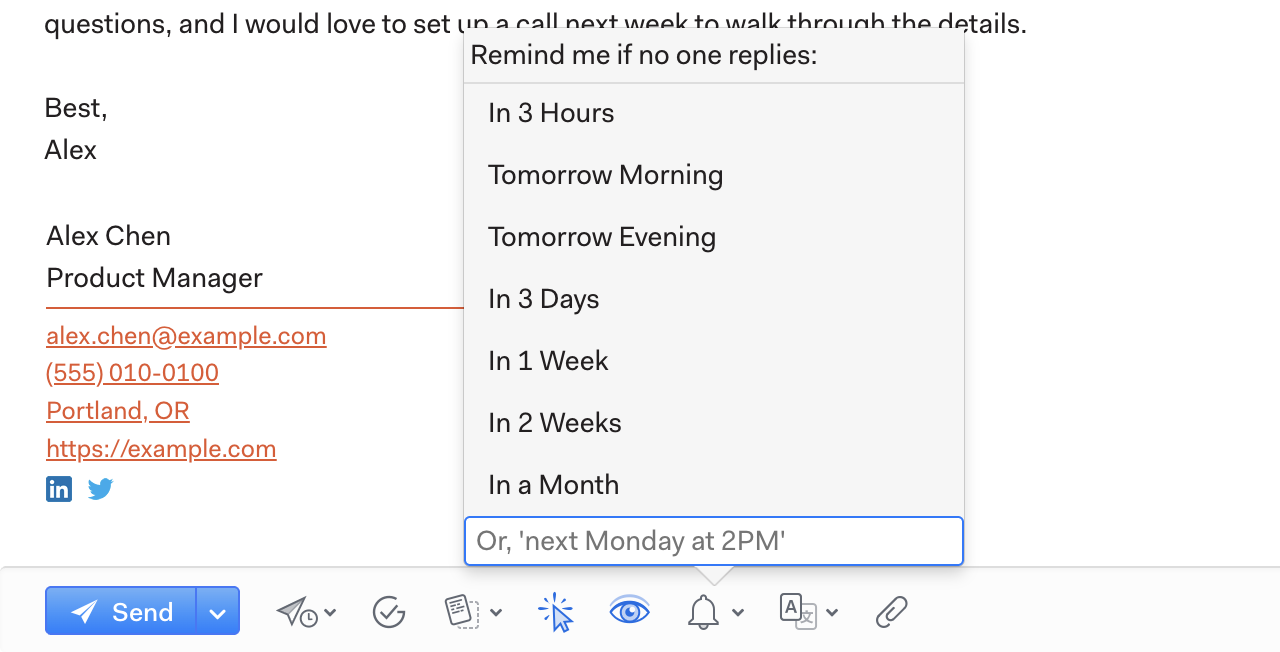
When composing an email in Mailspring, click the Reminders icon and pick a time when you’d like to be reminded about the thread if no-one replies. That’s all you need to do! When you send the email, Mailspring will automatically schedule a reminder.
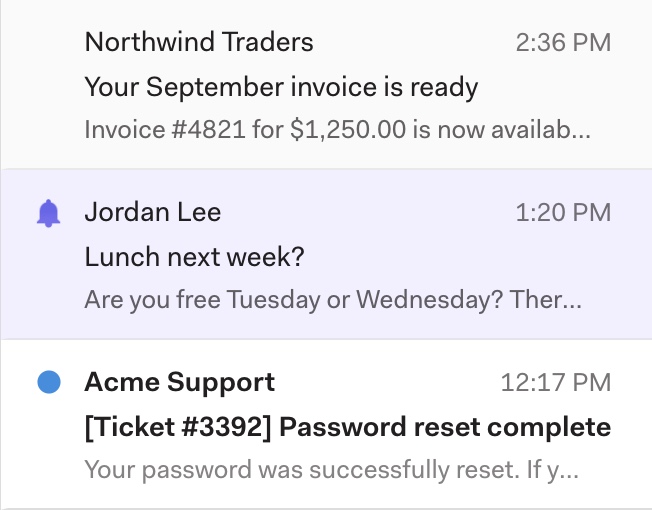
When the time you specified has passed, Mailspring will bring the message to the top of your inbox if none of the recipients have replied. This makes it easy to remember to follow-up, so you’ll never drop a conversation again!