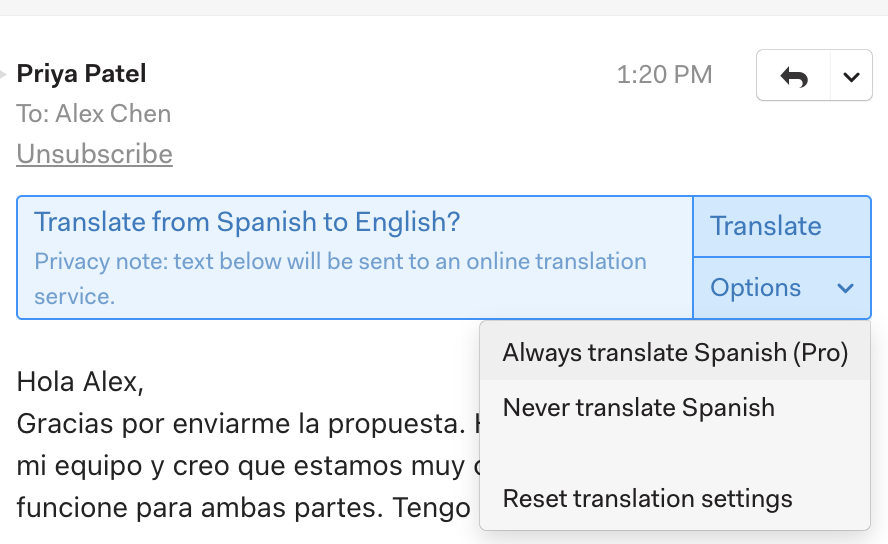
Pro Features
Mailspring makes it easy to read and triage your email, even if it’s you can’t speak the languages you’re receiving email in! When you view a message in a language other than the Interface Language you’ve chosen in Mailspring’s preferences, you’ll see a translation banner appear in the message:
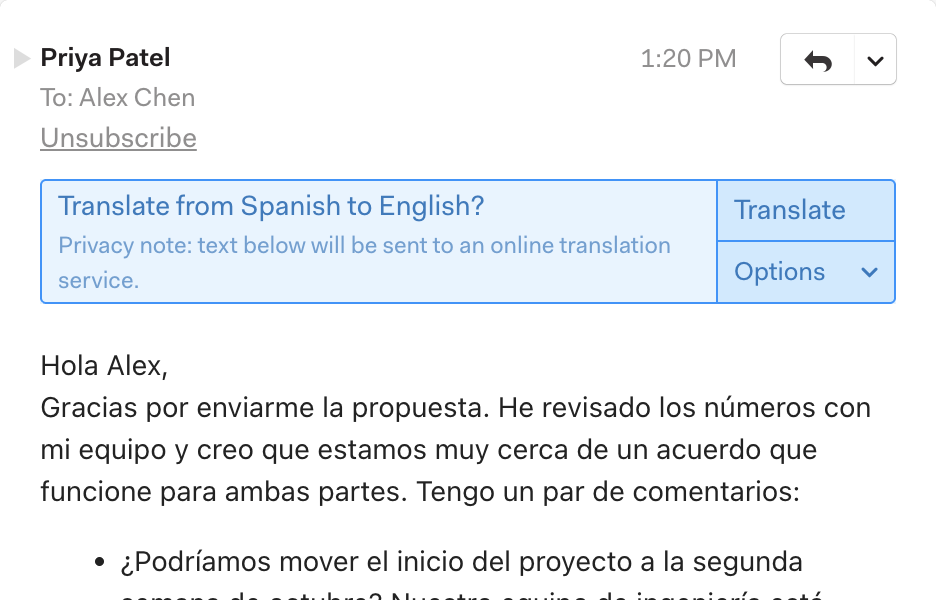
Clicking the Translate button translates the message into your current language. If you don’t require translation for emails in this language, click Options and choose Never translate Language. (Reset translation settings in the same menu clears any choices you’ve made.)
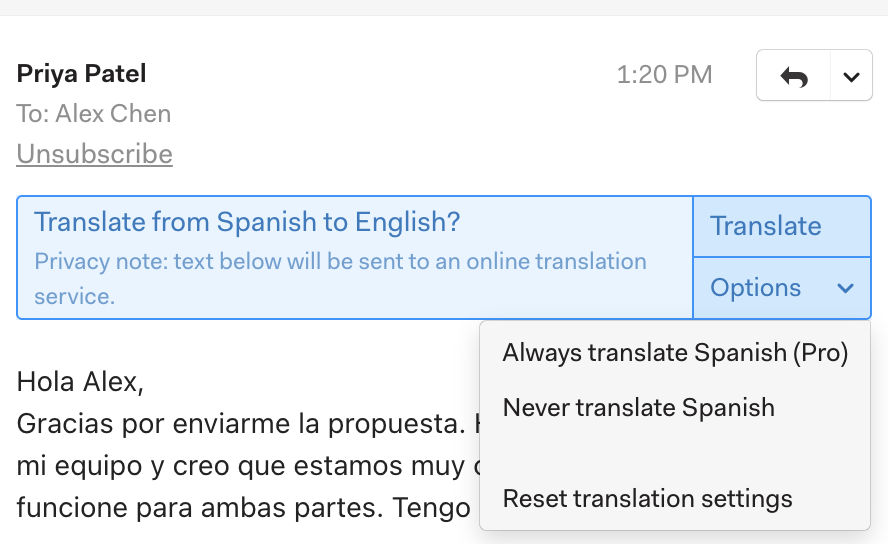
With the free version of Mailspring, you can translate up to 50 emails a week. Unfortunately, services providing machine translation are not free and we’re not able to provide unlimited translations. To remove the limit, upgrade to Mailspring Pro!
Fully Automatic Translation
If you receive a large number of emails in a foreign language, manually translating each one gets repetitive. With Mailspring Pro, you can choose Always translate Language from the Options menu and Mailspring will automatically begin translation as soon as you view a message!