Stop guessing what happens after you send. Read receipts, link tracking, follow-up reminders, templates, and
send-later — the workflow features serious email users actually need.
Already have Mailspring? Visit Preferences > Subscription to start a Pro subscription
Understand your audience.
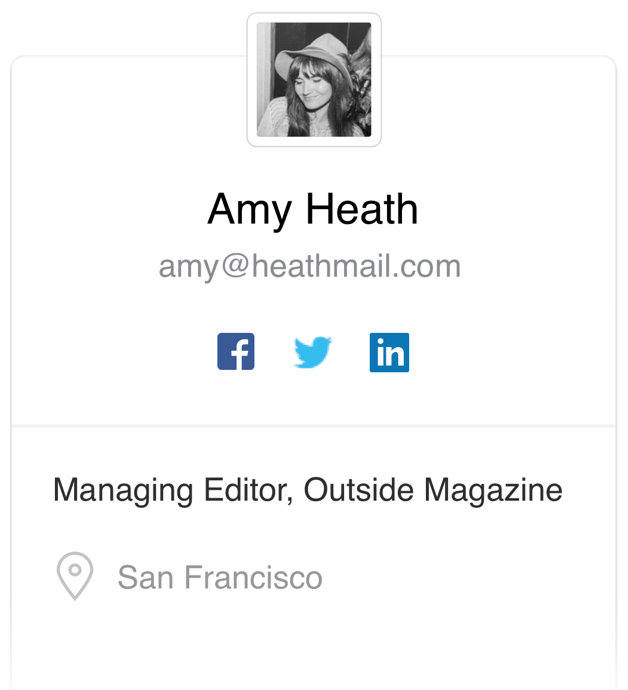
See a contact's photo, job title, and professional presence as you read their email — so you know exactly
who
you're writing to before you write back. Contact Profiles surface the context you need without
leaving your inbox.
See
How
Company Overviews show size, location, and industry at a glance — so you can triage your
inbox
and focus your time on the right people.
See
How
Send timely follow-up.
Queue emails to send at exactly the right time — not whenever you happen to be at your desk. Send
Later lets you compose at night and land in inboxes first thing in the morning, not buried under the
weekend.
See
How
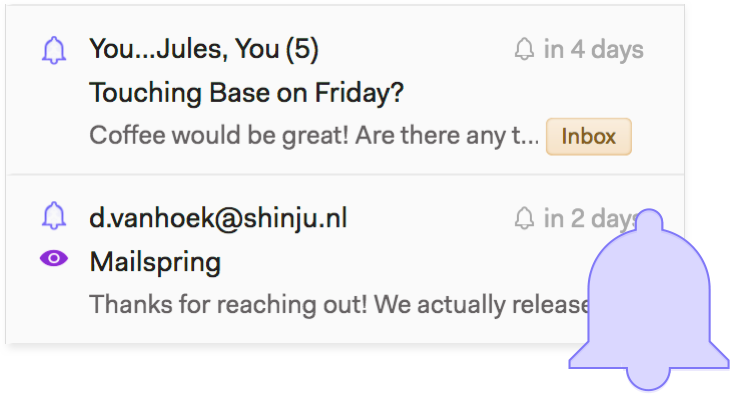
Set a reminder on any sent email. If you don't hear back, Mailspring resurfaces the thread in your inbox at the
right time. Follow-up Reminders mean you never let a conversation go cold because you forgot to
check.
See
How
Know what happens after you send.
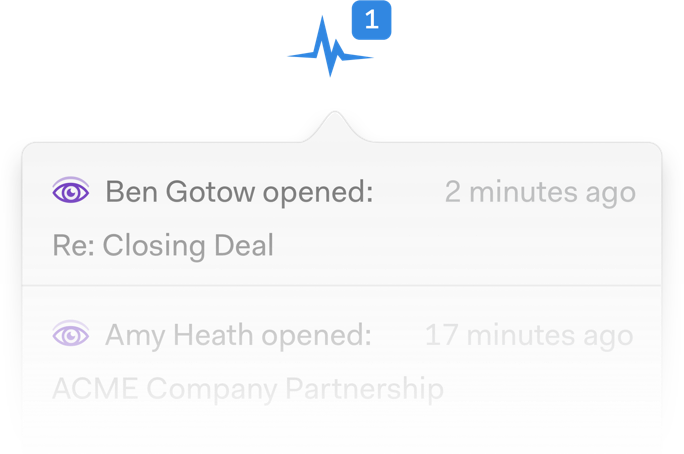
Know the moment your email is read — and how many times it's been opened. Read Receipts
tell
you when to follow up instead of making you guess. Link Tracking shows which links your
recipient clicked, so you know what landed before you write your next message.
See
How
Write it once. Use it whenever it fits. Templates work alongside read receipts and link
tracking, so you can see which versions get opened, which links get clicked, and what's actually working.
See How

 Pro Features