Pro Features
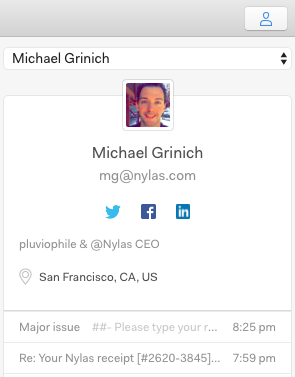
When you read an email, the panel to the right displays contact details, links to social profiles, location info, and your message history with each person on the message thread. If you don’t see this panel, click the Show Sidebar button on the far right of the toolbar (the icon of the person.)
In the contact details panel, use the dropdown to choose the person whose details you want to see.