 Pro Features
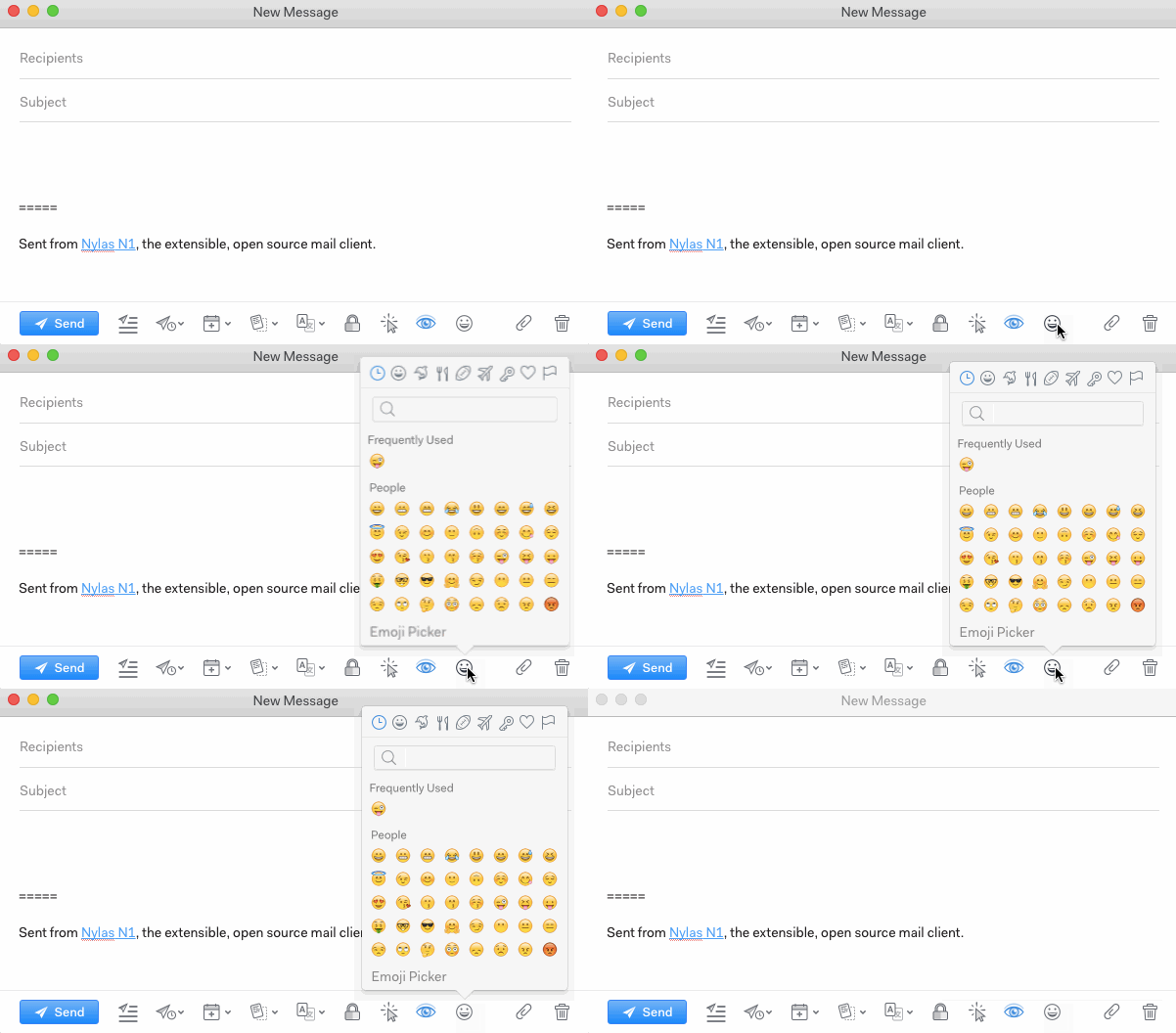
To insert emoji into your message, click the emoji icon at the bottom of the message window and choose from the menu.
You can also type :emoji: with the colons and the emoji short names, Slack-style.
To insert emoji into your message, click the emoji icon at the bottom of the message window and choose from the menu.
You can also type :emoji: with the colons and the emoji short names, Slack-style.
Ask in the Mailspring community — the team and other users are there to help.