 Pro Features
To reply to a message, click the Reply button in the upper right corner of the message, to the right of the sender name.
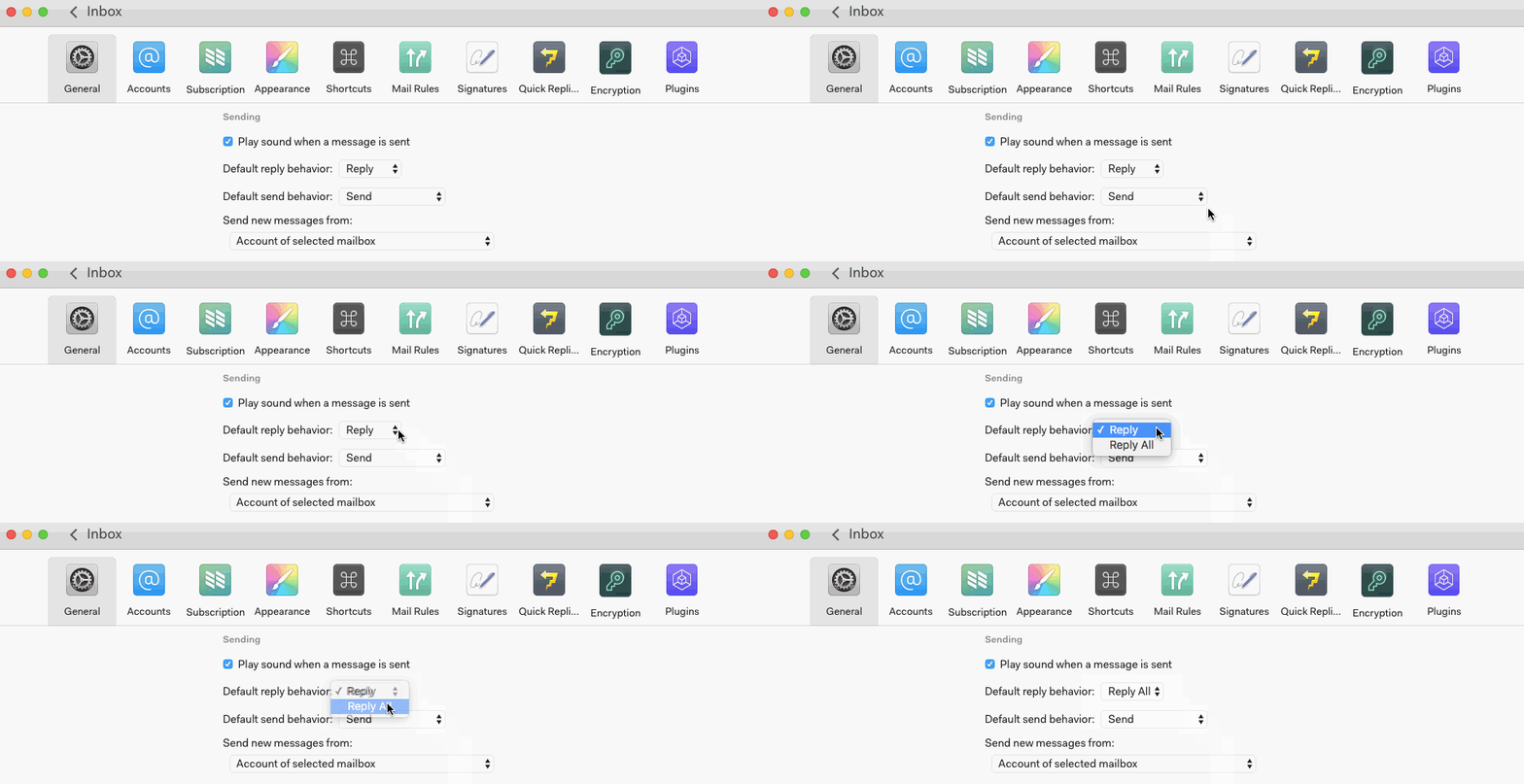
You can specify your default reply behavior (Reply or Reply All) in Preferences > General.
To reply to a message, click the Reply button in the upper right corner of the message, to the right of the sender name.
You can specify your default reply behavior (Reply or Reply All) in Preferences > General.
Ask in the Mailspring community — the team and other users are there to help.