 Pro Features
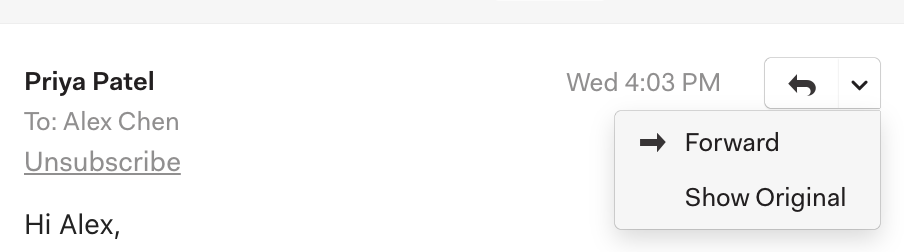
On the message you want to view the headers or source code for, click the chevron next to the Reply button, and click Show Original.
This will open a new window with the full email headers and source code of the message.
On the message you want to view the headers or source code for, click the chevron next to the Reply button, and click Show Original.
This will open a new window with the full email headers and source code of the message.
Ask in the Mailspring community — the team and other users are there to help.