Pro Features
If you connect multiple email accounts to Mailspring or create multiple aliases, you can configure which account is used for new messages.
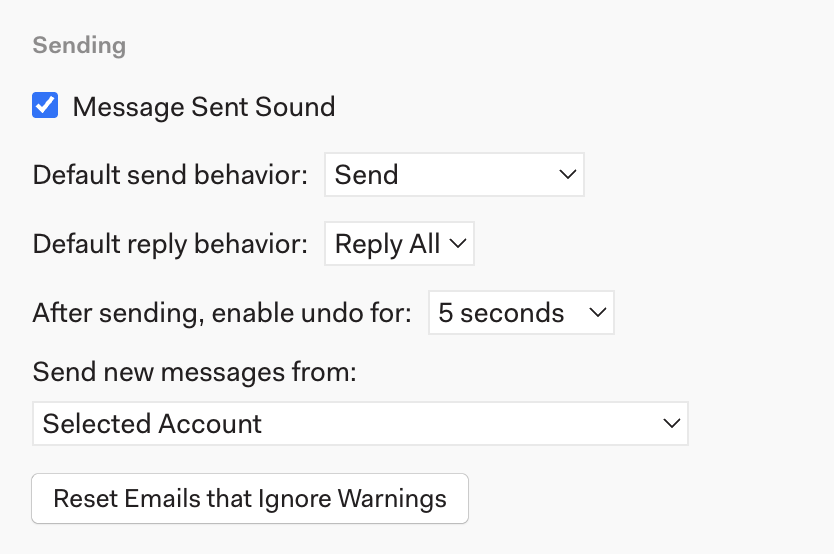
Visit Mailspring’s preferences by choosing “Preferences” from the main menu and then click the “General” tab. Scroll down to “Sending” and click “Send new messages from:” to choose an account or alias.
By default, Mailspring uses Selected Account. This means that if you’re viewing Account A, clicking “Compose” will send an email from account A, and if you’re viewing Account B, clicking “Compose” will send an email from account B.