 Pro Features
To write a new message, click the new message button, select File > New Message, or use the shortcut you’ve associated with the New Message action (typically Ctrl-N, Cmd-N or c).
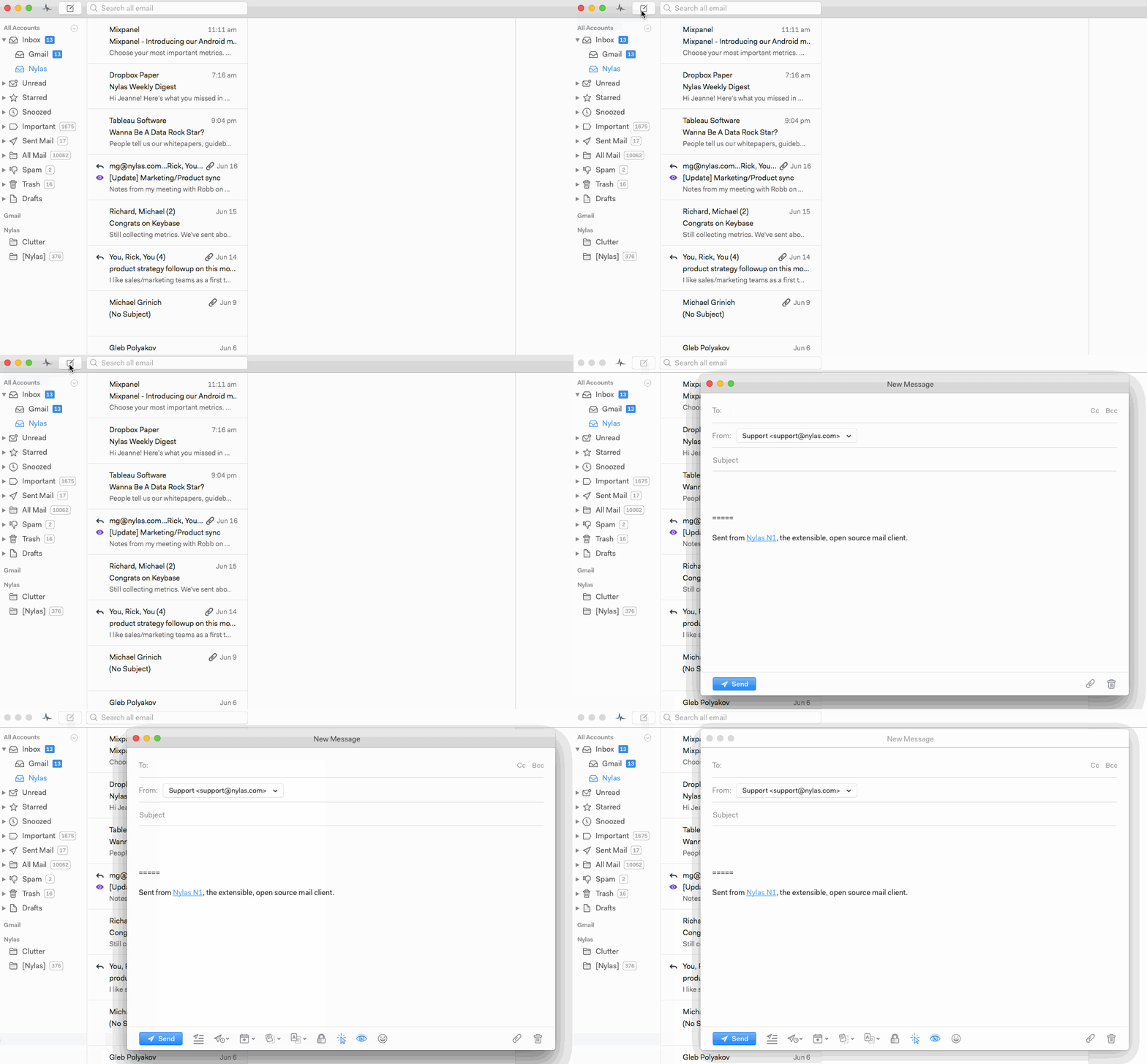
To write a new message, click the new message button, select File > New Message, or use the shortcut you’ve associated with the New Message action (typically Ctrl-N, Cmd-N or c).
Ask in the Mailspring community — the team and other users are there to help.