Pro Features
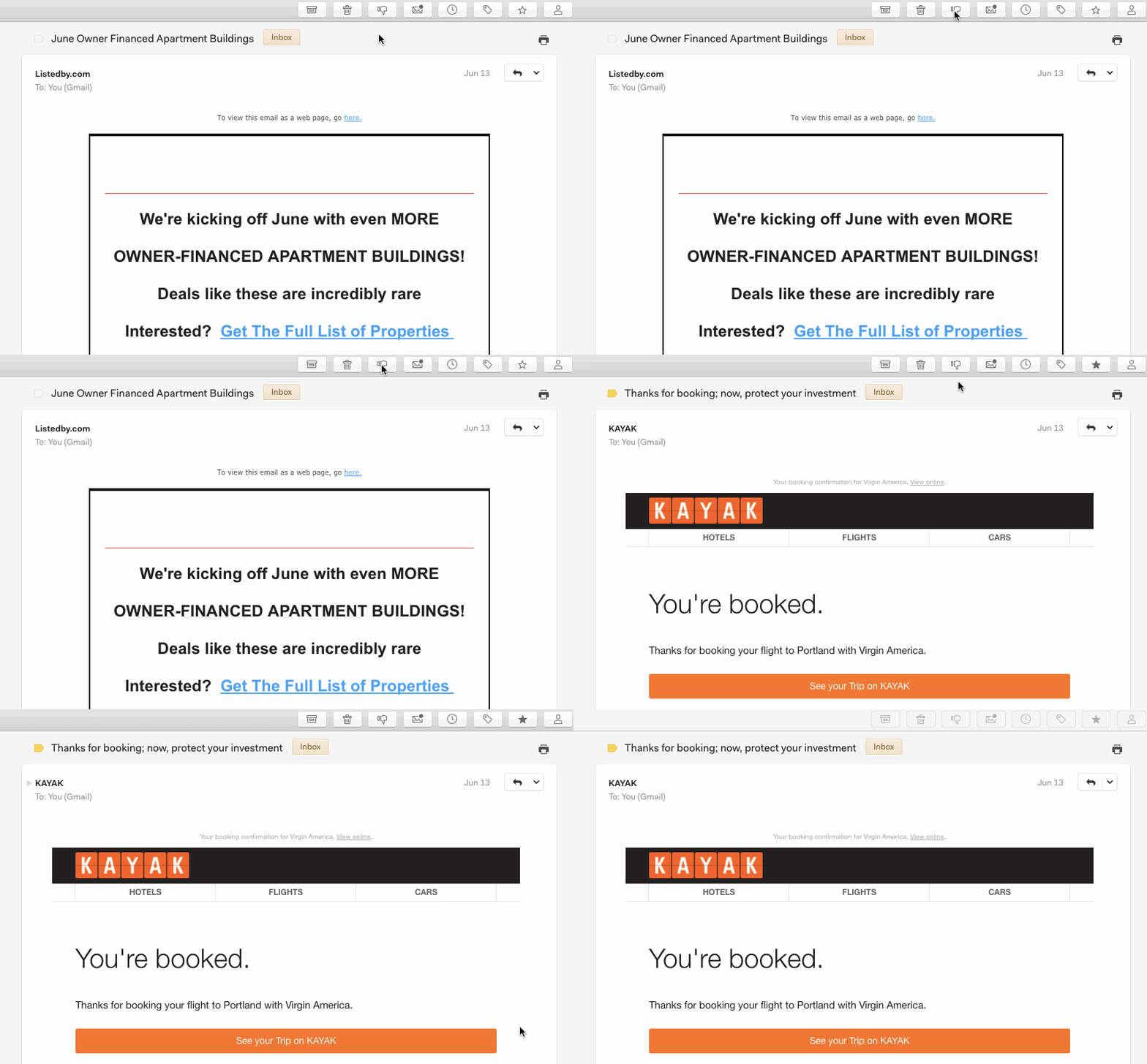
To mark a thread as spam inside Mailspring, you can move it to your Spam label for Gmail accounts, or move it to your Junk Email folder for Office 365 or other accounts. You can also click the Spam icon while reading a message.
For Gmail users, please make sure you have the Spam option checked to On inside your IMAP Settings.