Pro Features
The important markers in Mailspring are based on Gmail’s “important” markers—you can learn more about them here.
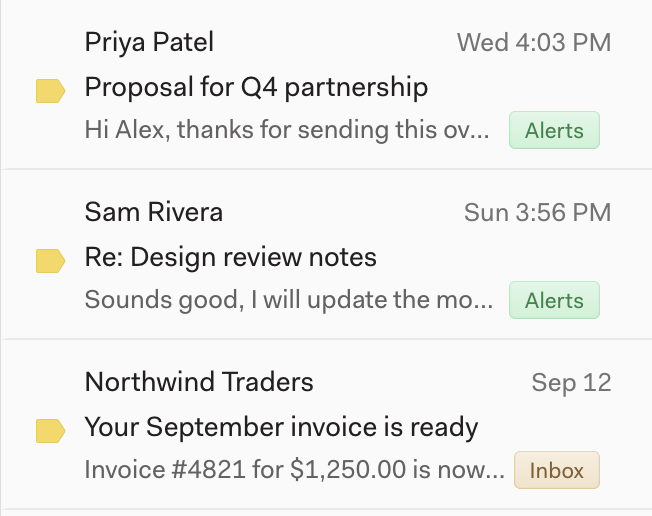
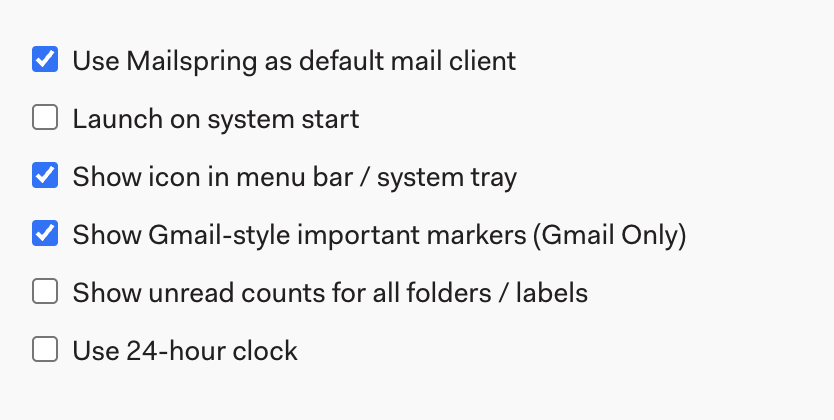
If you keep a pretty clean inbox, Gmail may be marking most of your emails as important and this can be pretty unhelpful. If you’d like to disable important markers in Mailspring, go to Preferences > General , and uncheck “Show Gmail-style important markers”.