Pro Features
Mailspring shows a star beside emails you’ve flagged in Office 365, and starring an email in Mailspring marks it as “Flagged for Follow-up” in the Office 365 web interface.
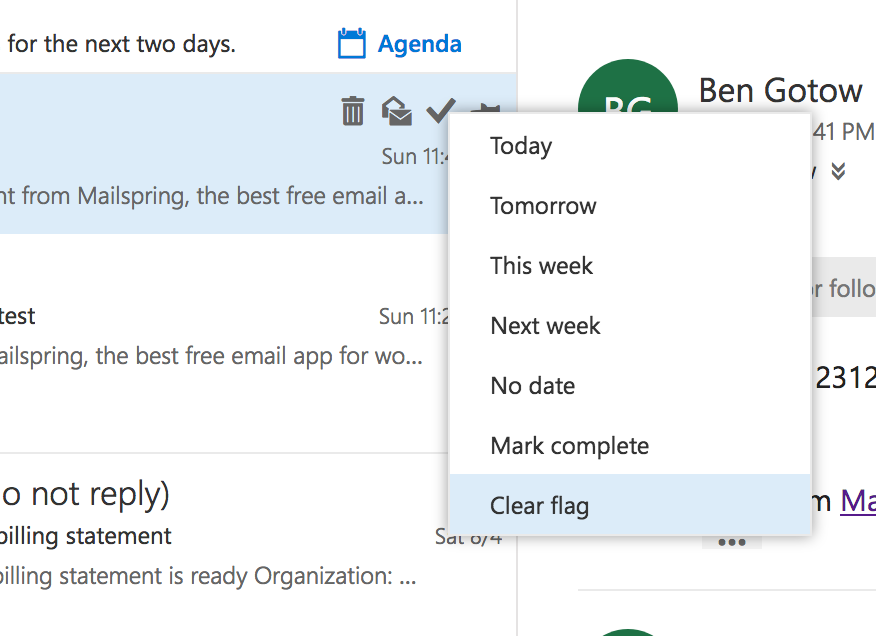
Office 365 allows you to “complete” flagged emails by clicking the flag again, and unfortunately Mailspring doesn’t make a distinction between these two states. Emails you “complete” from the Office 365 interface will continue to show a star in Mailspring. To completely un-flag an email in the Office 365 web interface and remove the star that is shown in Mailspring, right click the flag icon in Office 365 and say “Clear Flag”.