Pro Features
Mailspring allows you to create and edit signatures from Preferences > Signatures. Within the composer, you can choose a one of the signatures you’ve created and apply it to your email.
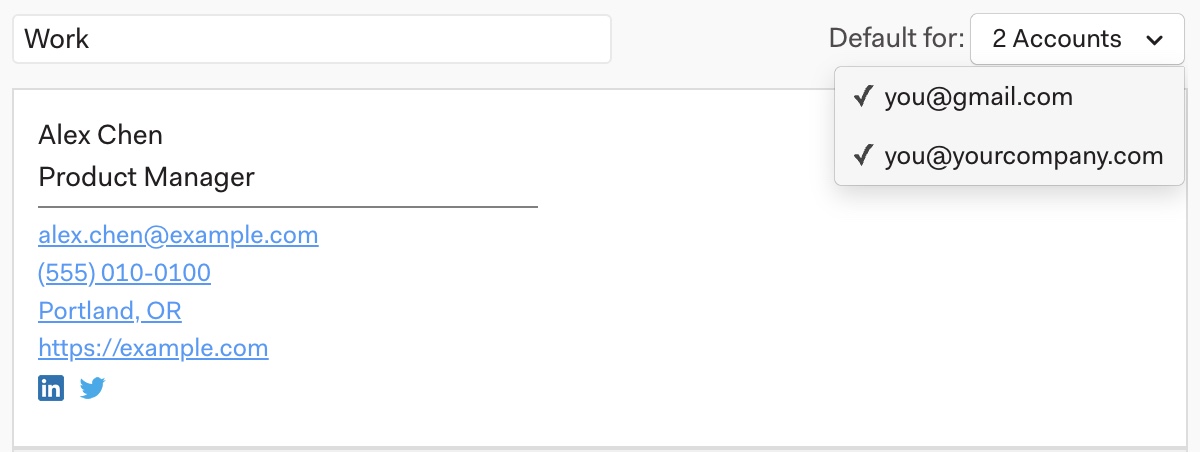
To make one of your signatures the default for all new emails composed from one or all of your accounts, go to Preferences > Signatures and choose the signature you’d like to make the default. Click the “Default For:” dropdown and then choose your email account to check the box beside it.