Pro Features
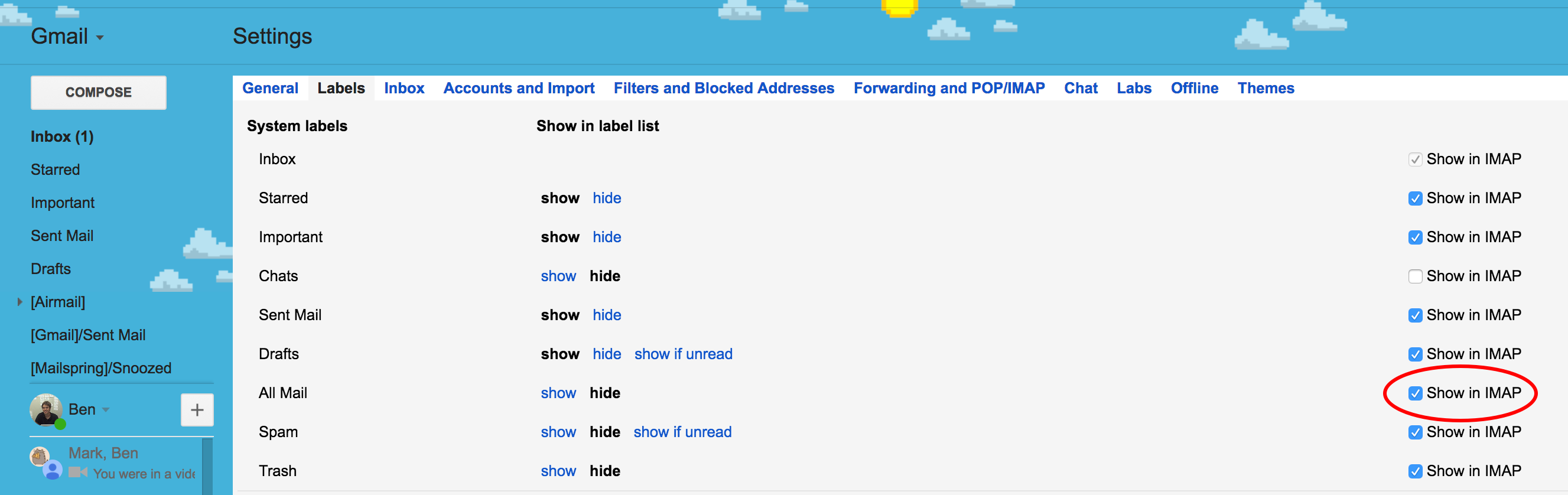
Your Gmail account doesn’t have an “All Mail” folder, preventing Mailspring from syncing it. Thankfully, it’s easy to enable it!
To do it, you’ll just need to sign in to Gmail from a web browser, go to Settings / Labels and check “Show in IMAP” next to “All Mail.”