Pro Features
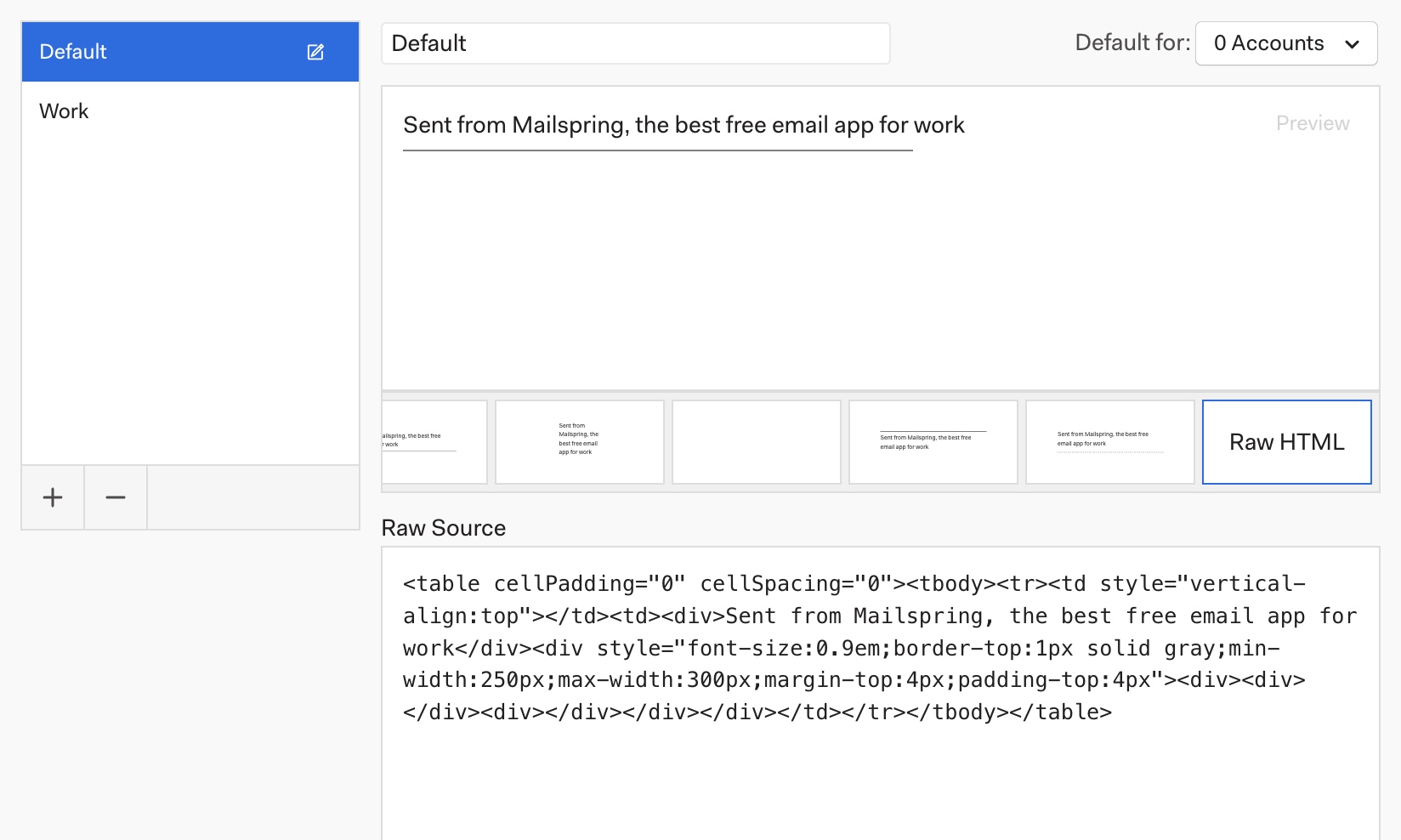
When you first download Mailspring, emails you send display a tag-line:
"Sent from Mailspring, the best free email app for work"
Removing this tag-line is easy and free to do. Run Mailspring and visit Preferences > Signatures. This text is included in the default signature and you can edit the signature to remove it, delete the signature entirely, or create a new one.