Pro Features
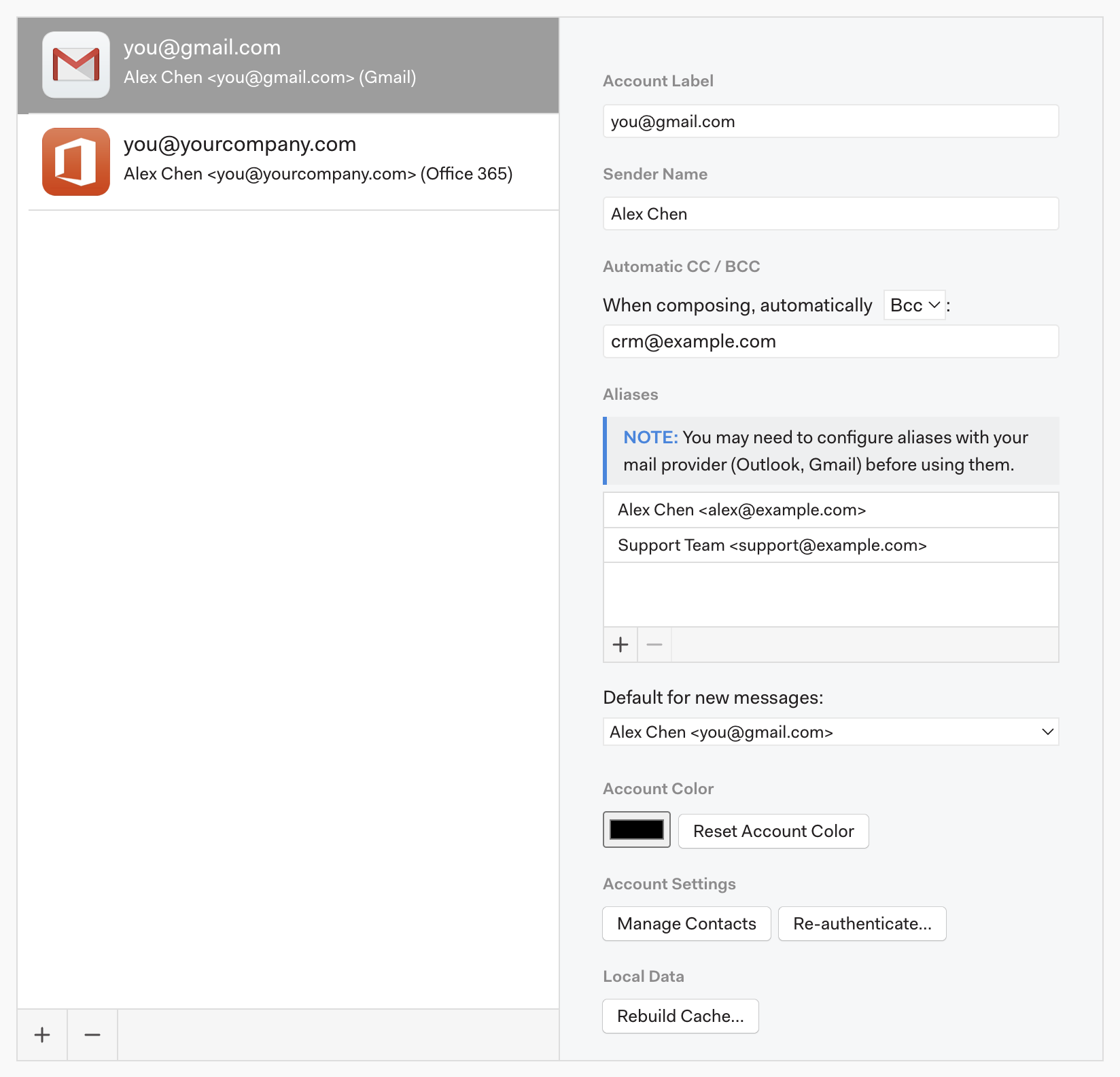
To remove email accounts from Mailspring, visit the app’s preferences from the main menu and go to the Accounts tab. Beneath the list of accounts there’s a small set of “+ / -” buttons. Select the account you’d like to remove and click “-” to remove it from Mailspring.