Pro Features
This article is for Linux. For Windows, see /docs/choose-mailspring-as-the-default-mail-client-on-windows
If you installed Mailspring on Linux using the Snapcraft (.snap) package, it’s running inside a sandbox on your machine with limited access to the filesystem and your OS. This is great, but comes with a few caveats. One of these caveats is that Mailspring can’t run the commands to make itself the default mail client.
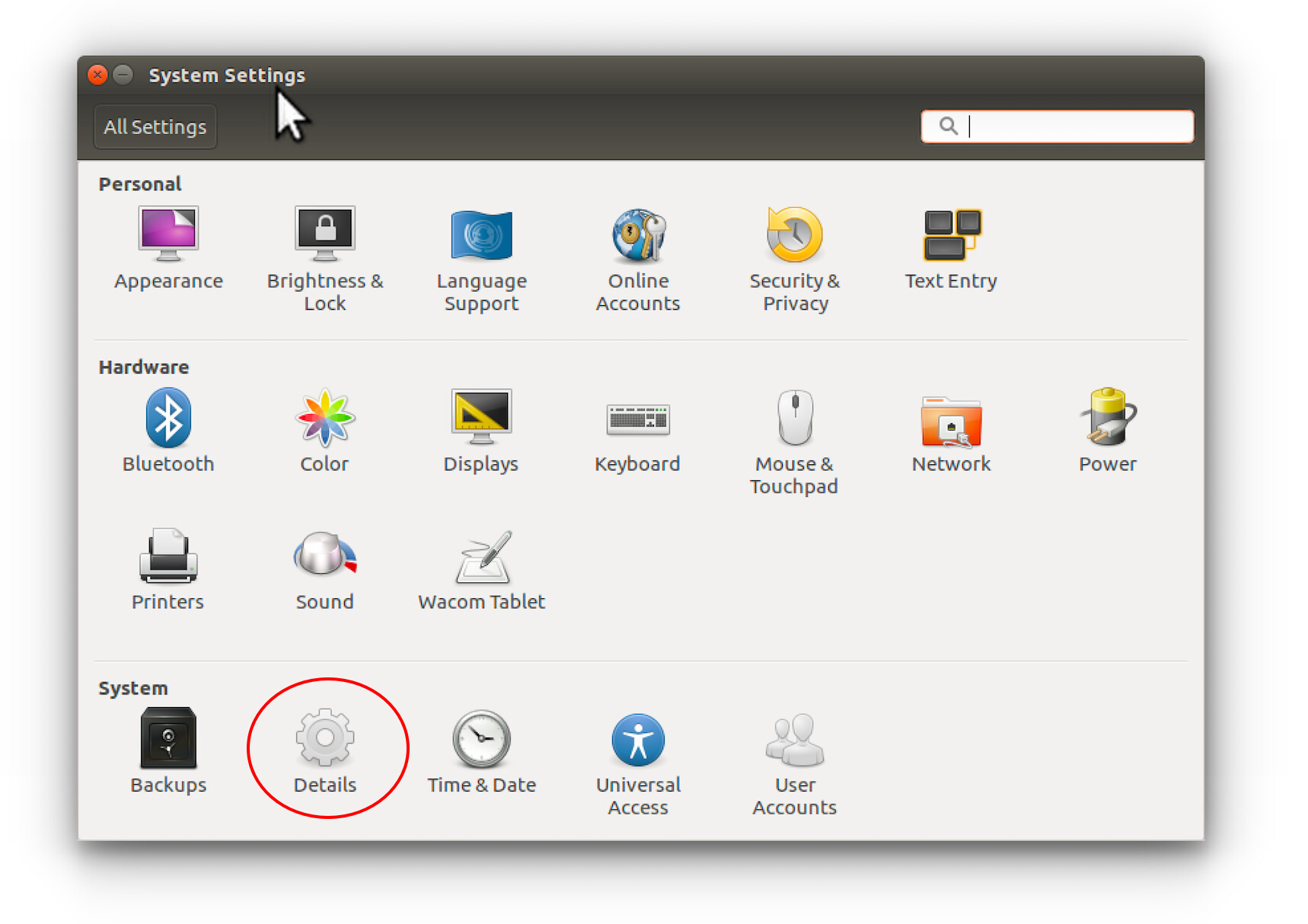
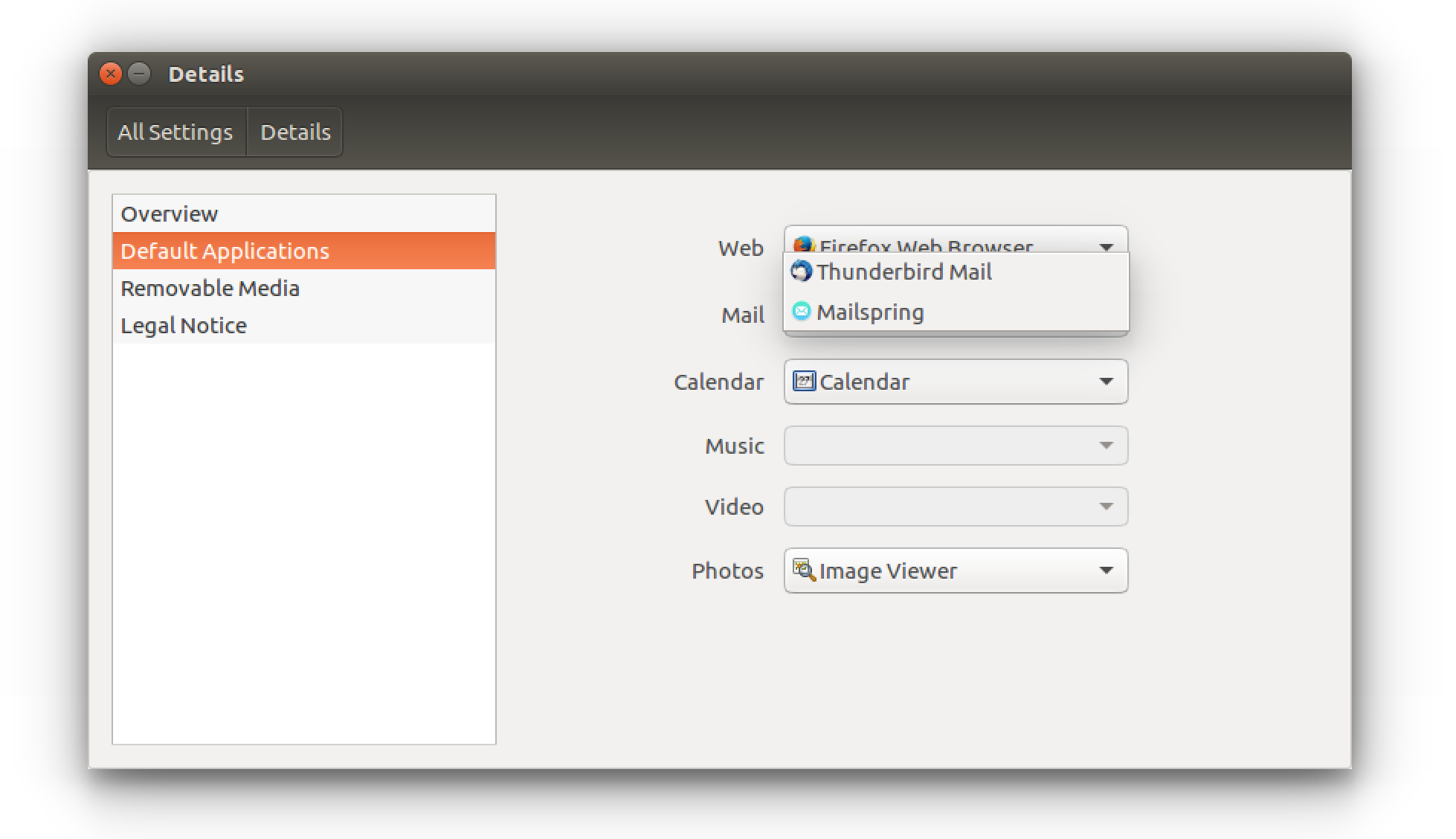
Open the System Settings application (or similar) and find “Details” or “Default Applications”. Choose Mailspring from the mail client dropdown to make it the default client on your computer. Once you change this setting, Mailspring will open in response to mailto:// links in other applications: