Weirdness.com (mail.com) doesn't include a built-in grammar checker in their webmail interface,
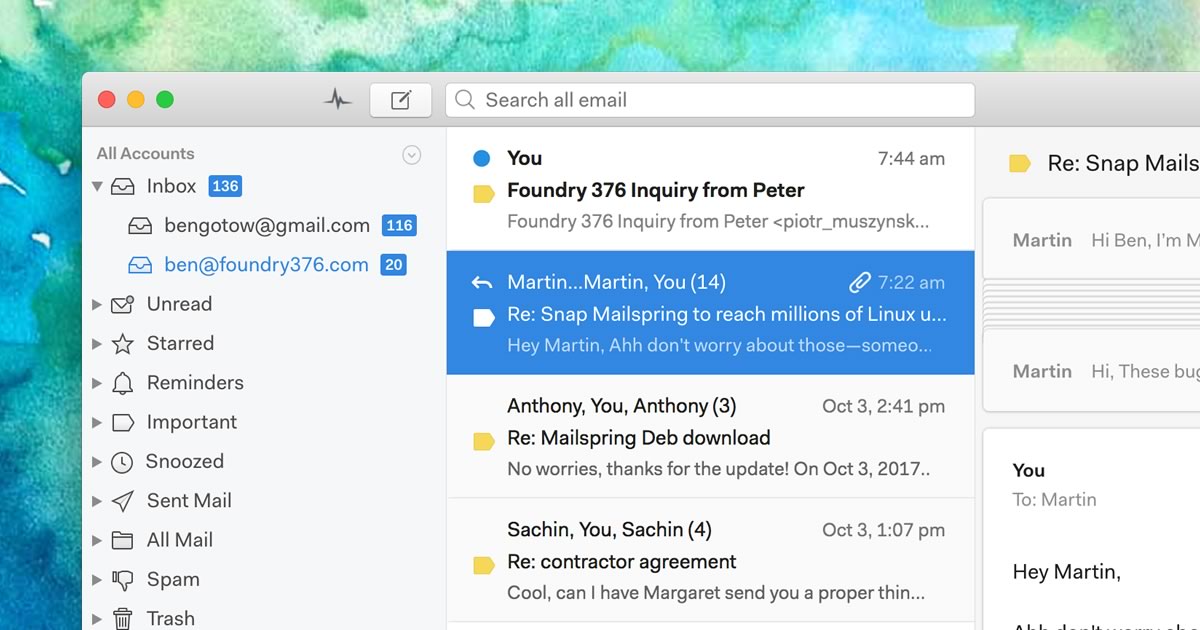
but they support IMAP, which means you can use another email program like Mailspring
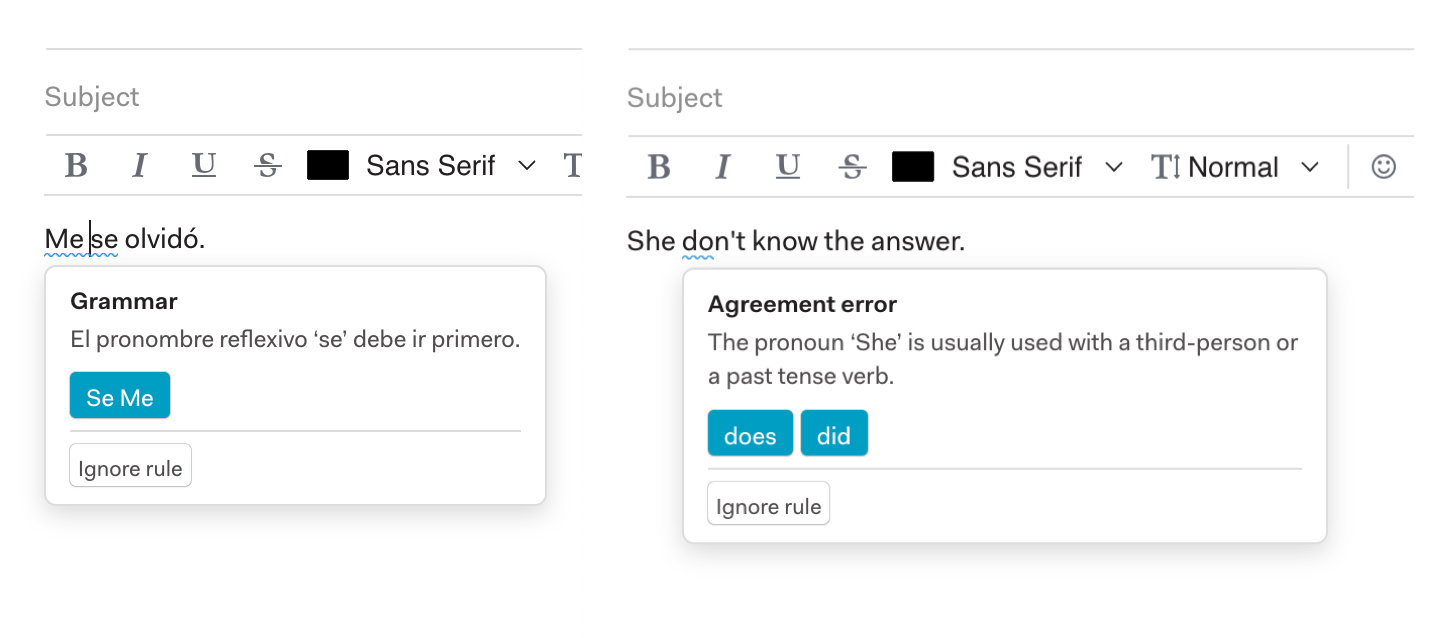
to write and send emails with real-time grammar and style checking powered by LanguageTool.
Follow these steps to check grammar in emails you send from your Mail.com account:
Step 3: Enable grammar check and start writing
When composing an email in Mailspring, click the Grammar Check button in the
composer toolbar to turn it on. As you type, Mailspring will automatically check your text and
highlight potential issues with colored underlines — that's all you need to do!
Click any underlined word or phrase to see a description of the issue and suggested corrections.
You can apply a fix with a single click, or dismiss specific rules you don't want Mailspring to flag in the future.
Mailspring's grammar check is powered by LanguageTool and catches a wide range of issues including:
- Grammar — subject-verb agreement, tense consistency, and more
- Punctuation — comma splices, missing apostrophes, and spacing errors
- Style — wordy phrases, redundancy, and passive voice
- Casing — capitalization of proper nouns and sentence beginnings
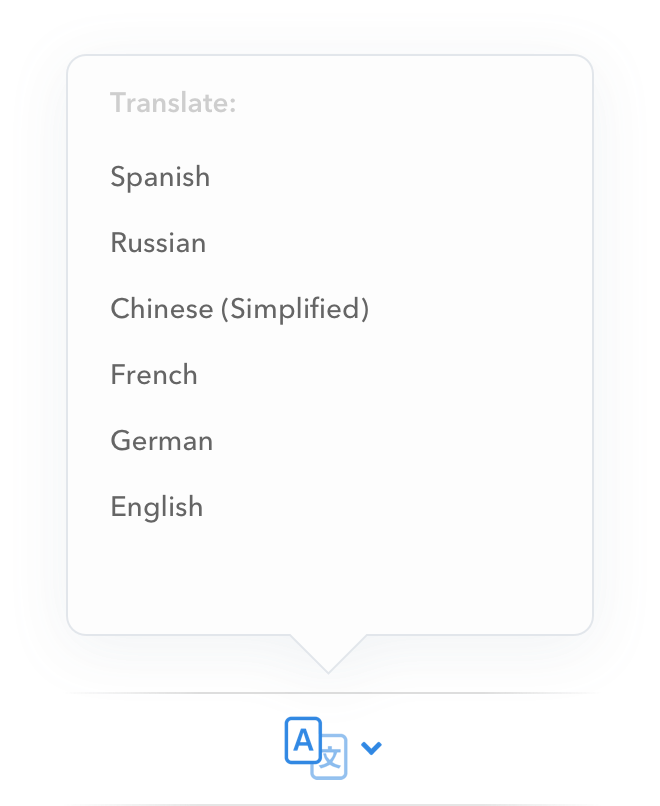
Grammar check automatically detects the language you're writing in, so it works seamlessly whether
you write in English, French, German, Spanish, or dozens of other languages.
 Pro Features