RR/TWC supports IMAP / SMTP
This means you don't have to use RR/TWC's webmail interface! You can
check your email and send messages using other email
programs (like Mailspring, Outlook Express, Apple Mail, or Mozilla Thunderbird).
Using desktop email applications can improve your workflow. They typically
offer more options, and your email is still available on your
computer when you're disconnected from the internet.
Setup Your RR/TWC Account with Your Email Program Using IMAP
To access your RR/TWC email account from a desktop email program,
you'll need the IMAP and SMTP settings below:
|
rr.com (RoadRunner/TWC) IMAP Server
|
mail.twc.com
|
| IMAP port | 993 |
| IMAP security | SSL / TLS |
| IMAP username | Your full email address |
| IMAP password | Your RR/TWC password |
|
rr.com (RoadRunner/TWC) SMTP Server
|
mail.twc.com
|
| SMTP port | 587 |
| SMTP security | STARTTLS |
| SMTP username | Your full email address |
| SMTP password | Your RR/TWC password |
Need help? RR/TWC provides additional documentation about setting up email tools like Mailspring here:
Need a desktop email application? Mailspring is free, packed with great features,
and you can try it alongside your existing email program. It's built with love for Mac, Linux, and Windows. 💌
Download Mailspring Free
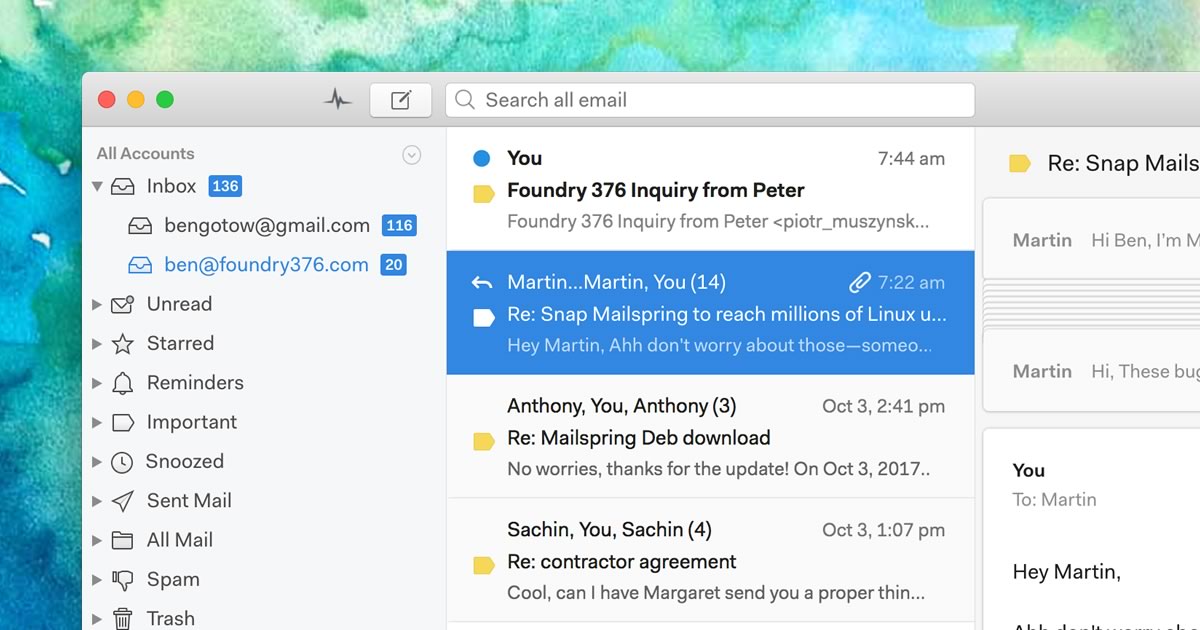
Learn how to do more with your rr.com (RoadRunner/TWC) account
 Pro Features